

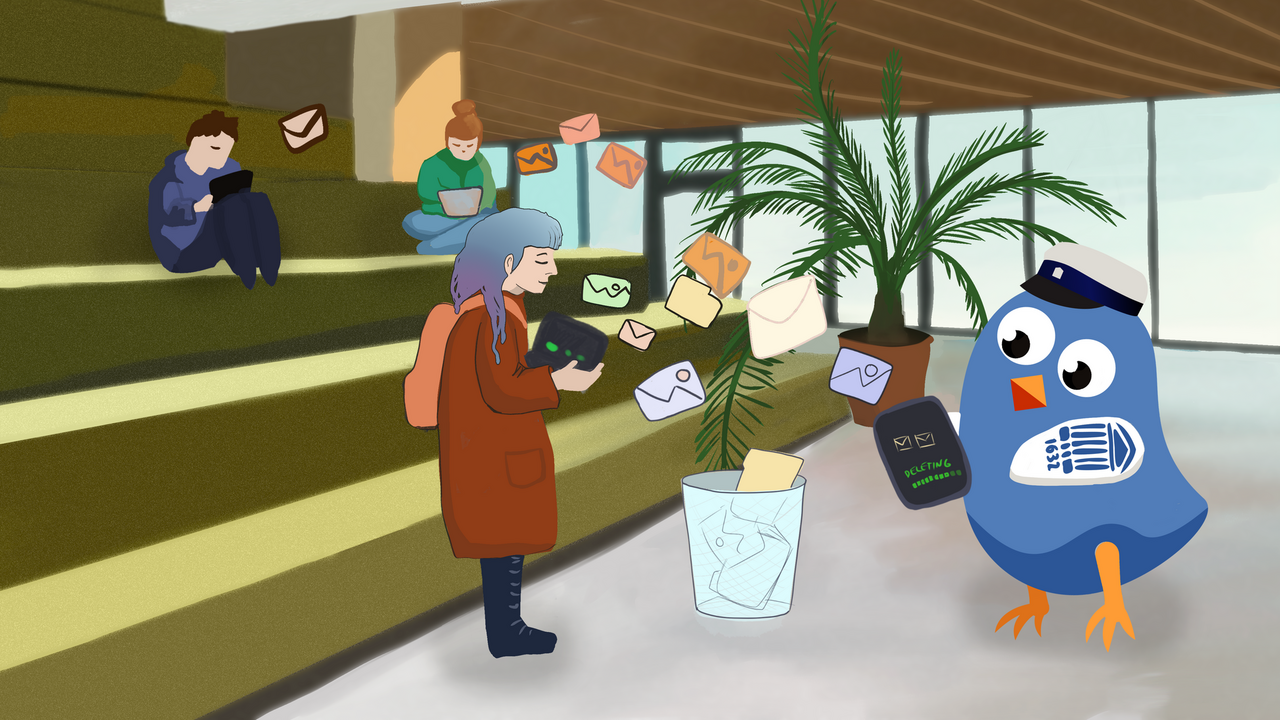
A record number of university members took part in the Digital Cleanup Month 2026. This shows that conscious digital hygiene has become a natural part of everyday work.
The digital cleanup held in January aimed to review and organise one’s data systematically to improve both personal and the university’s digital environments. A total of 157 people took part in the campaign – 53 students and 104 staff members – the highest number of participants ever registered for Digital Cleanup Month. The most active digital declutterers were staff and students from the IT Office, the Institute of Genomics and the Institute of Ecology and Earth Sciences.
“High participation demonstrates that the principles of digital cleanup are considered important at the university, both for ensuring security and for keeping everyday workflows smooth. Deleting unnecessary data reduces digital clutter and improves information findability and system reliability,” said Joonas Masing, project manager of the Digital Cleanup Month.
A total of 3707 GB of data were deleted from computers, 1061 GB from smart devices, and 860 GB from email inboxes and cloud services. In the physical world, this would equal roughly 3.3 billion book pages. If turned into a single imaginary book, its thickness would stretch from Tartu to Helsinki.
Work and study environments at the university were also tidied up, including the OneDrive, SharePoint, Teams, Moodle, Panopto, BBB, Mahara, Sisu@UT and LimeSurvey platforms.
One part of the campaign was the opportunity to dispose of old devices and data carriers. Collection boxes were placed in several university buildings around the city. The largest amount – 22 kilograms – was collected at Ülikooli 18, followed by Ravila 19 and Ülikooli 17.
“Although the digital cleanup campaign takes place in January, digital hygiene should be maintained throughout the year. Regular review of data helps ensure greater security and a more sustainable digital environment,” emphasised the project manager.
At the end of January, prizes were drawn to recognise active participants. Among the staff, Tuuli Pern, Herly Parve, Krista Lepik-Verliin and Herbert Konnula won gift cards. In the student category, prizes went to Lennart Maala, Berit Noormets, Lotta Ellervee and Timo Thon Phet Schwarzbach. The winners will be contacted by email.
Digital Cleanup Month guidelines
Here are some principles to help you organise your computer folders and documents.
- Keep your desktop clean and organised.
- Create a clear and logical structure for document folders.
- Sort documents and files by size, and delete unnecessary large files to free up space on your computer.
- Allow your computer to automatically start only the applications you really need.
- Keep your downloads folder tidy and organised.
- Empty the recycle bin regularly.
- Consider using a password management application for security and convenience.
- Clean up your browser – clear your cache and page history and remove unnecessary plugins.
Read digital cleaning guides on how to free up space on your computer.
When cleaning your smart device, the following principles may be helpful.
- Uninstall the apps you no longer use. Also, check your app cache and delete unnecessary data.
- Make sure your device software and apps are up to date. This will ensure optimal performance and security.
- When you switch phones, choose carefully what you transfer to your new device. Keep only the files and apps you really need.
- Delete unnecessary photos, videos and documents, and remove duplicate files. If there are similar photos, keep only the best and delete blurry ones.
- Sort files by size. Delete large, unnecessary files and apps to free up space on your device.
- Find a cloud service of your choice to back up important photos and data. This way, you will not lose important items when your device crashes or gets lost. When choosing a cloud service, keep in mind that your personal data should not be stored in the university’s cloud.
- Don’t forget to clean the screen and body of your device to keep it clean and in good condition.
See IT helpdesk guides on freeing up space on Android and iPhone devices.
The following principles may be helpful when cleaning and organising your mailbox.
- When you filter and click the Sort by button, it is possible to arrange all emails by size and delete useless, large-size emails. This will help you reduce your mailbox size and make it easier to find important items in the future.
- Use the search function to find and delete unnecessary emails, such as old invoices or notifications.
- Sort emails by subjects or projects into folders.
- Check and empty the Junk email and Promotions folder regularly to avoid accumulating unnecessary emails there. If you receive many newsletters that you do not read, consider unsubscribing.
- If there are emails that you do not need every day but want to preserve, you may archive them. In the future, you can access them in the Archive folder.
It is important to remember that the purpose of organising your mailbox is not to delete the emails and files that you need but to review the accumulated emails critically and delete anything unnecessary.
See also IT helpdesk guides on How to free up space in Microsoft 365 and How to get more space in Google services.
When cleaning digital environments, the following may be helpful.
- Take a look at all the files accumulated in OneDrive, SharePoint, Teams, Moodle, BigBlueButton, Mahara and LimeSurvey. Make backup copies of important files. You can store them on external hard drives, cloud platforms or other backup solutions to avoid losing valuable information. Delete any old, outdated or useless files.
- Check that all systems and applications are up to date to ensure the security and stability of your environment. Remove unnecessary plugins.
- Delete the accounts you no longer use and update the data of necessary accounts.
- Review your privacy and security settings for each environment. Make sure that you use strong passwords and enable two-factor authentication where possible.
- Check access rights to shared files and sites. Remove access rights from people who do not need them.
- Review your SharePoint and Teams groups. Delete groups that are no longer needed. Also, review who has access to the group and who is the owner, and update the list if necessary.
Please remember that the university’s cloud platform is not intended for storing personal files.
See also the IT helpdesk guides on decluttering OneDrive, Moodle, Panopto, BBB, Mahara, Sisu@UT and LimeSurvey.
General principles for reducing digital waste
- Before buying a new device, consider whether you really need it.
- If a device does not work correctly or is outdated, have it repaired rather than buying a new one right away.
- If you no longer need the old device, don’t leave it in a drawer; consider donating or selling it.
- Choose a product that is energy-efficient, has a long lifespan and is made from sustainable materials.
- Use cloud services, because storing data in the cloud reduces the need for physical storage space.
- Avoid storing unnecessary data.
Deleting digital clutter is important for practical reasons and because of its environmental impact. Each file, photo and email stored in the cloud or on servers requires energy to keep and manage. Data centres use vast amounts of electricity and produce CO₂ emissions. The less data is stored, the lower is energy consumption, and the smaller is the digital footprint.
Clearing digital clutter also contributes to cybersecurity. Old files and emails may contain sensitive information, so keeping them unnecessarily increases the risk that they may leak or fall into the wrong hands. Decluttering also improves the efficiency of systems, and helps find necessary documents and other information more quickly.
